Free AI Photo Editor Online:
Unleash infinite possibilities.
Upload a photo to edit online, then let AI do what you want!
- Free to use · no sign-up
- No watermark on exports
- Unlimited AI edits
- Desktop & mobile browsers
Maybe start with creative templates?
Choose a style to add its prompt to the editor.
All-in-one AI Photo Editor: Make Every Edit Easier
No more slow editors for tedious photo tweaks. Simply tell the AI what you need, and it handles complex tasks instantly — background removal, quality enhancement, object removal and more.
Type your requirements and bring your idea into focus. Refine the details, change a backdrop or explore a creative look without switching between editing tools.
How to Use Free AI Photo Editor Online?
Upload a photo or pick a template
Drag and drop a photo into the editor, or open an inspiration template from the gallery.
Describe what you need edited
Type your ideas, or choose a quick action for backgrounds, objects, image quality or a new style.
Preview, download or retry
Generate your AI-edited image, download it without a watermark, or refine your prompt and try again.
Maximize Your Creativity with AI
A powerful AI photo editor makes it effortless to bring your ideas to life. Whether you want to refine details, change colors or styles, apply filters, or add creative effects, AI can transform an ordinary photo into a work of art.
Here, we provide a free, clean and fast inspiration showcase built exclusively for creators.
Studio-Grade Photo Editing, No Skills Required
Believe it or not, you can achieve professional-level retouching without mastering any advanced editing tools — and this AI photo editor makes it happen.
Generate business avatars, resume visuals, or lossless assets for your creative projects in a single click. You can also expand your original photos to unlock endless creative possibilities. Just upload a photo, describe the effect you want in one sentence, and the AI handles everything: fine retouching, color grading, stylization and more. Designer-quality results, ready in minutes.
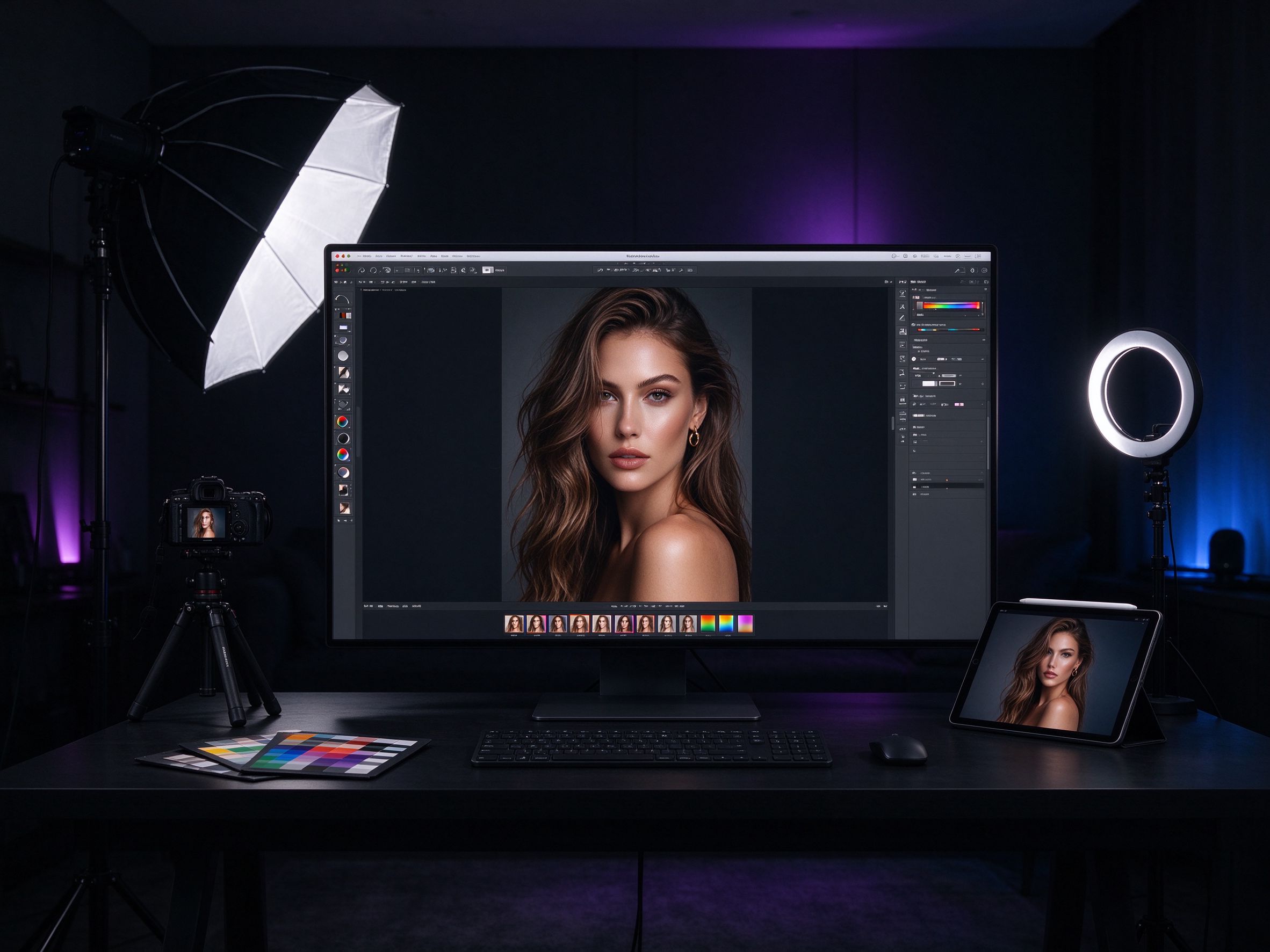
Spark the Buzz! Level Up Your Social Media Content
Give your social media content a fresh look with AI. Reimagine a portrait, explore a bold new style or create a consistent mood for the images you share.
Not sure where to start? Simply upload a photo to our AI image editor. Power up your existing visuals with AI and turn them into eye-catching social media content.
AI Photo Editor FAQ
Is this AI photo editor really free?
Yes. The editor is free to use, with no account or credit card needed. Upload an image, describe your edit, and download the result without an added watermark.
Do I need to log in or create an account?
No. You can start editing directly in your browser without creating an account or sharing an email address.
What is the best free AI photo editor online?
Choose an editor that fits your task. This editor combines natural-language photo editing, background changes, object removal and creative style templates in a single browser-based workflow.
Can AI edit photos from a text description?
Yes. Upload a photo and describe what should change, such as removing a car or replacing the background with a beach. Add clear details about the subject, lighting and style for a more specific result.
How do I remove the background from a photo?
Upload your photo and choose Remove background. Its prompt appears in the editor, where you can adjust the details before generating the result.
How do I remove an object or person from a photo?
Upload the image, choose Erase object, and replace [unwanted object] in the prompt with a description of what you want removed. Describe the surrounding area to help the AI blend it naturally.
How do I fix a blurry photo online?
Choose Upscale image and describe the clarity or detail you want improved. Mild blur may improve; heavily blurred or damaged images may not recover every original detail.
Can I use this AI photo editor on iPhone or Android?
Yes. It runs in modern browsers on iPhone, Android, Windows and Mac. You do not need to install an app.
How are my photos processed?
Selecting a photo shows a preview on your device. When you generate an edit, your photo and prompt are sent to the editing service and its image provider. See our Privacy Policy for more information.
Start Editing Your First Photo with AI
Upload a photo or describe the edit. Free, no login needed, with no watermark on exports.
Edit a photo free